
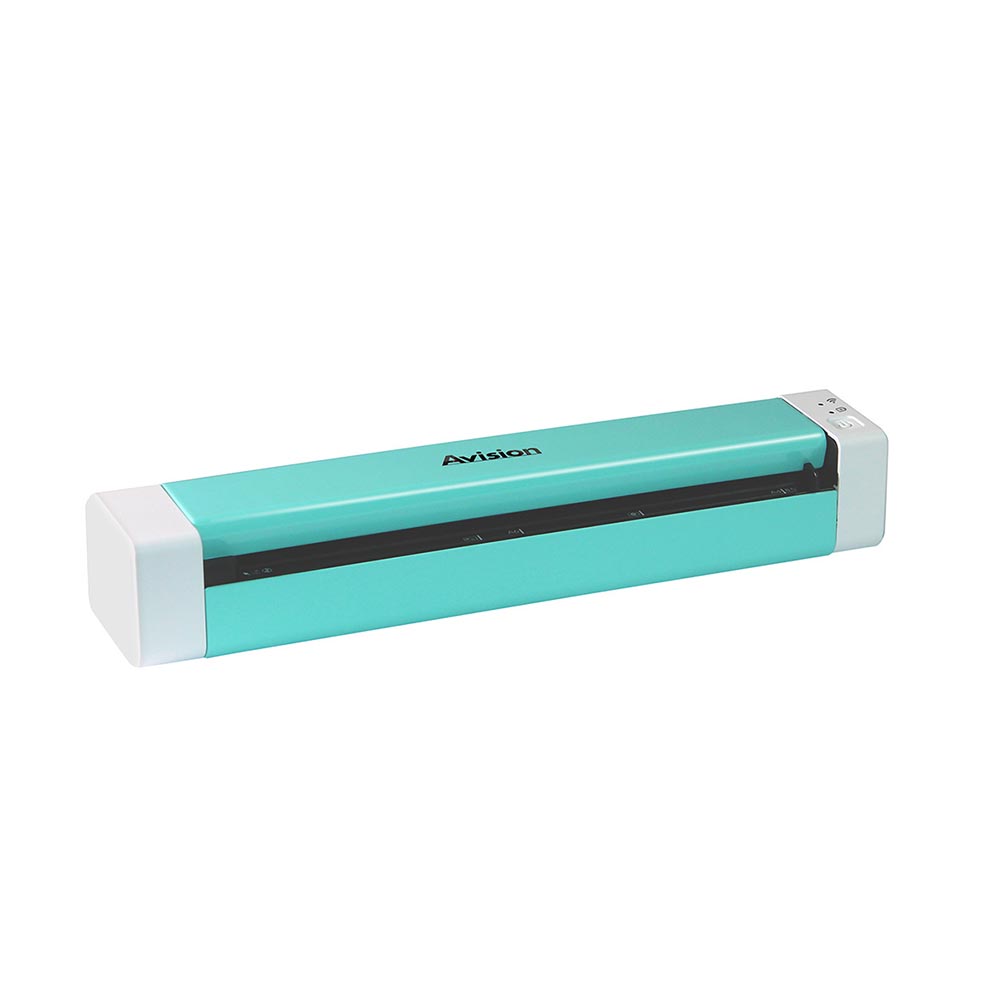
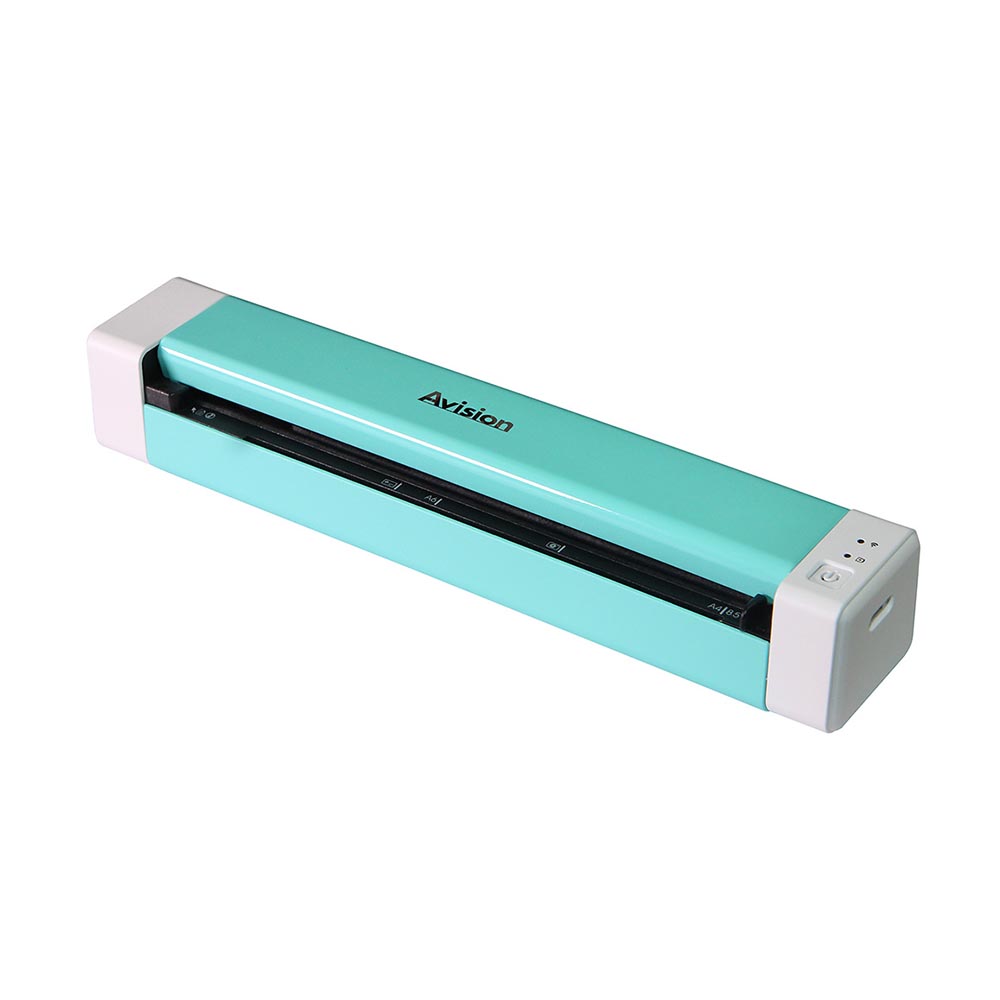

ScanQ-SW
A mobile scanner that scans anywhere, anytime
Powered by a rechargeable Li-Ion battery at just over 12″ long and weighing just over 1 lb., the Avision ScanQ-SW is small and lightweight to be packed into your briefcase and lets you digitize your documents from just about anywhere, anytime.
No power cord required
The ScanQ-SW is powered by a rechargeable Li-Ion battery. No external power adapter and cords are needed!
Product Detail


Product Features
A simplex scanner suited for document and photos
Thanks to the advanced straight paper path and image processing technology, documents with varies sizes and weights can be scanned, appropriately cropped, and ready to use. You can scan your business cards, receipts, photos, invoices, newspaper clipping, or documents up to legal size (14”).
No Warm Up Needed and Fast Scan Speed
The LED illumination system not only saves power, it doesn’t require any warm up time. The ScanQ-SW is ready to go as soon as you turn it on and it’s fast too! It only takes a few seconds to scan an A4 size document.
Convenient mobile scanning
With a built-in Wi-Fi module, the ScanQ-SW is able to wirelessly connect to your mobile device and lets your mobile device directly instruct a scan and receive a scanned image. Simply download PaperAir app from Google Play or App Store and install it onto your mobile device.
Scan to Clouds via PaperAirX
Alternatively, the ScanQ-SW is able to connect to your computer to access advanced image processing features. With PaperAirX, you can scan and send the images to E-mail, printer, and popular cloud servers including Google DriveTM, Evernote®, Dropbox®, and Microsoft SharePoint to share your documents fast and easily. What is best, with the built-in OCR (Optical Character Recognition) engine, the PaperAirX allows you to create a full-text searchable file in just one button.
Features
- Portable Power via Li-ion Battery – no wall outlet required
- 1-Sided scanning up to legal size (5” x 14”)
- High Optical Resolution: 600 dpi
- Support long page scanning up to 118” (299.7 mm) for 300 dpi
- LED light source requires no warm-up time
- Scans documents (52~105 g/m2) and plastic cards (up to 76mm)
- Auto power off after inaction for 5 minutes
PaperAir App
Simply download PaperAir app from Google Play or App Store and install it onto your mobile device. PaperAir app lets your mobile device instruct a scan and receive a scan image.
Enable [Wi-Fi] from [Settings] of your wireless computer, smartphone, or tablet and then choose Avision-xxxx to be your network name (SSID). Tap the PaperAir App on the screen to launch the Scan Application. The main window will be displayed.
Check if the default settings meet your requirements. If not, change the scan settings to fit your specific scanning task. Finally, tap the [Start scan] button to start a scan.
Technical Specifications
| Technology | CMOS-CIS |
|---|---|
| Light Source | LED |
| Memory Size | 4MB Flash;64MB SDRAM |
| Optical Resolution (dpi) | 600 x 600 dpi |
| Dimensions (WxDxH) | 294 x 52 x 47 mm |
| weight | < 480g |
| Interface | USB 2.0 (Type C), Wireless 802.11 b/g/n |
| Power Consumption | Operation:< 2.5W;Ready:< 0.8W |
| Acoustical Noise | Operation < 55 dB;Ready < 45 dB |
| Bundled Software | TWAIN Driver, PaperAirX |
| OS Support | Windows 7/8/10/11, Windows Server 2008R2/2012/2016/2019/2022/2025, Fedora, openSUSE, Debian, Ubuntu, macOS10.12~10.15, macOS11 Big Sur, macOS12 Monterey, macOS13 Ventura, macOS14 Sonoma |
| Power source | battery (USB charge) |
| battery | Li-ion18650, 3.6V/2750mAh |
| Battery Life(h) | 300page |
| ADF Minimum | A8 |
| ADF Maximum | Legal |
| ADF Capacity | 1 page |
| Paper Weigth | 52 to 105 g/m² |
| B/W @ 300dpi, A4 | 4 sec/page |
| Color @ 300dpi, A4 | 4 sec/page |
Download
| Name | Version | Size | File |
|---|---|---|---|
| ScanQ-SW | English | 529.43 KB | Download |